This is a quick fix to a problem I experienced with Open WebUI, which was that custom models were not showing in the models list. There was nothing in the documentation or in the issues pointing to a solution. I decided to open a new issue 4 days ago and today the user @dcolley gave the missing information and it worked.
For some reason, custom models are not working when you use Direct Connections. In my case, I use OpenRouter to use LLMs, so I thought the way to setup the API was from the Direct Connections menu. It turns out that you can setup the OpenRouter API from the Connections page, specifically in the OpenAI API section. And this is the solution, replicate your configuration for the API inside the OpenAI section.
The solution
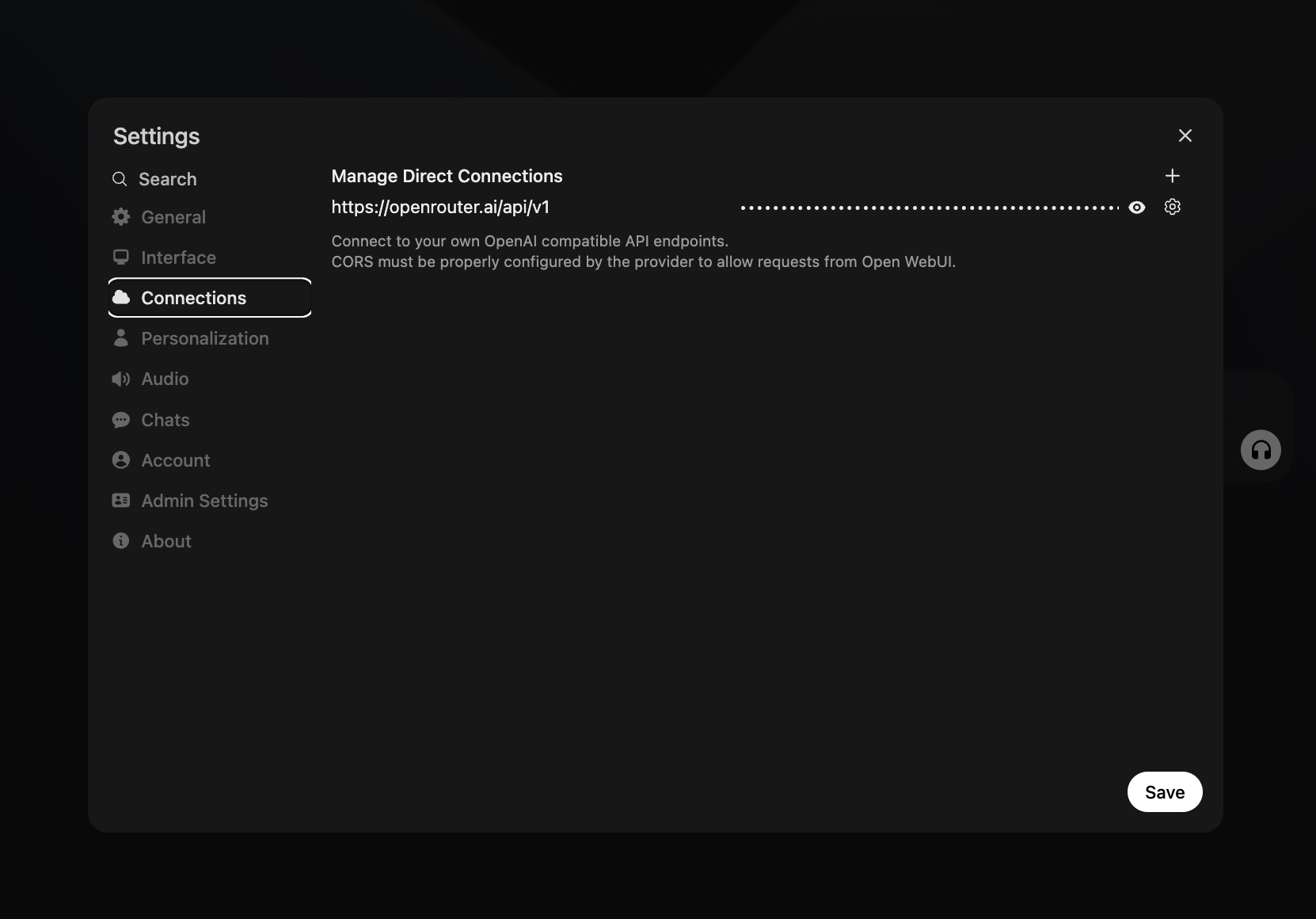
Custom models are now working as expected.
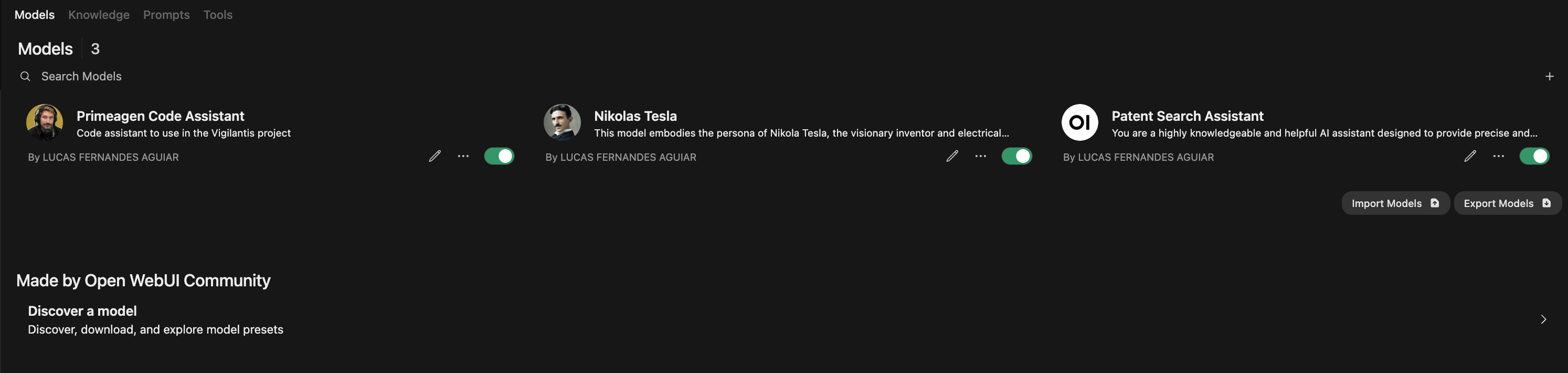
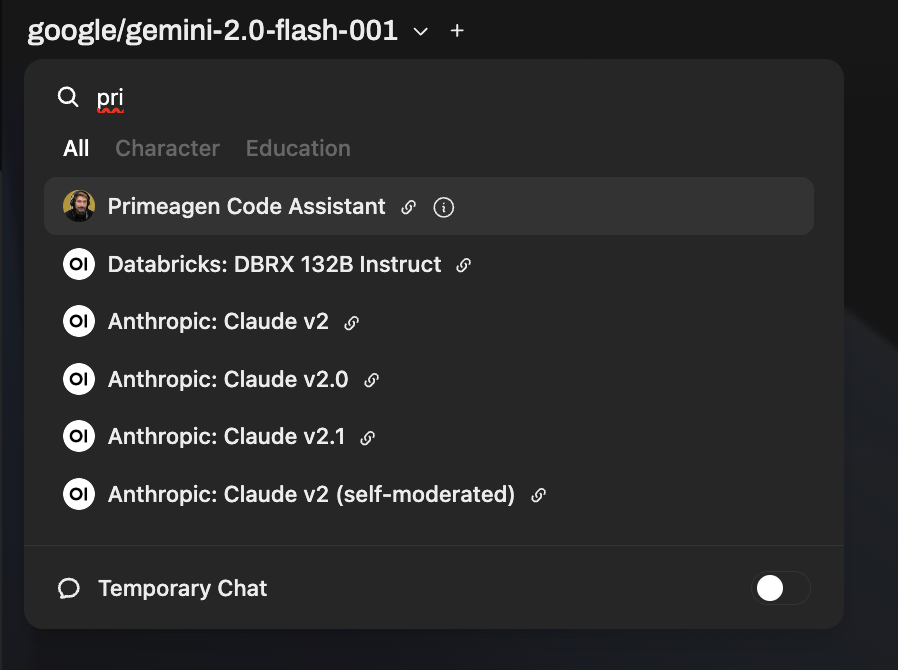
And the model list should show your custom models.
Read also:
- Script for Updating Open WebUI in a Proxmox LXC
- Creating my AI assistant locally
- Fix Proxmox Web Interface Login Errors; a Step-by-Step Guide
You can reach out to contact me about this and other topics at my email [email protected] or by filling the form below.